
Voice Transcript App
A transcription tool that turns audio into a Word document
- Streamlit
- Interface
- .docx
- Output
- 2024
- Year
Overview
A meeting recording, a lecture, an interview note: the moment audio files pile up, the information inside them becomes practically inaccessible. Nobody replays a two-hour recording from the start to find a single sentence.
The application solves that by the shortest route. The user drags and drops an audio file, a speech recognition model produces the text, and the result downloads directly as a formatted Word document. The Word output is a deliberate choice: in most organisations, post-transcription editing still happens in Word.
The interface is a single screen. There is nothing beyond upload, processing status and a download button — because the user of this tool might be a secretary or a student, not an AI practitioner.
Highlights
- Drag-and-drop audio upload
- Text generation via automatic speech recognition
- Formatted Word (.docx) output
- A minimal flow completed on one screen
Objectives
- Turn information locked in recordings into searchable text
- Offer an interface that needs no technical knowledge
- Deliver output in the format organisations actually use
Solution
- A single-page application flow with Streamlit
- Integrating a speech recognition model
- Generating formatted documents with python-docx
- Chunked processing for long files
Approach
- 01Simplifying the use case
- 02Model selection and accuracy trials
- 03Testing the output format with users
Outcomes
- Manual transcription work disappeared entirely
- Output arrives in a directly editable format
- Non-technical users can benefit without assistance
Challenges
- Processing long audio files within memory limits
- The effect of background noise on accuracy
- Punctuation and capitalisation in Turkish recordings
Selected Work
Similar projects
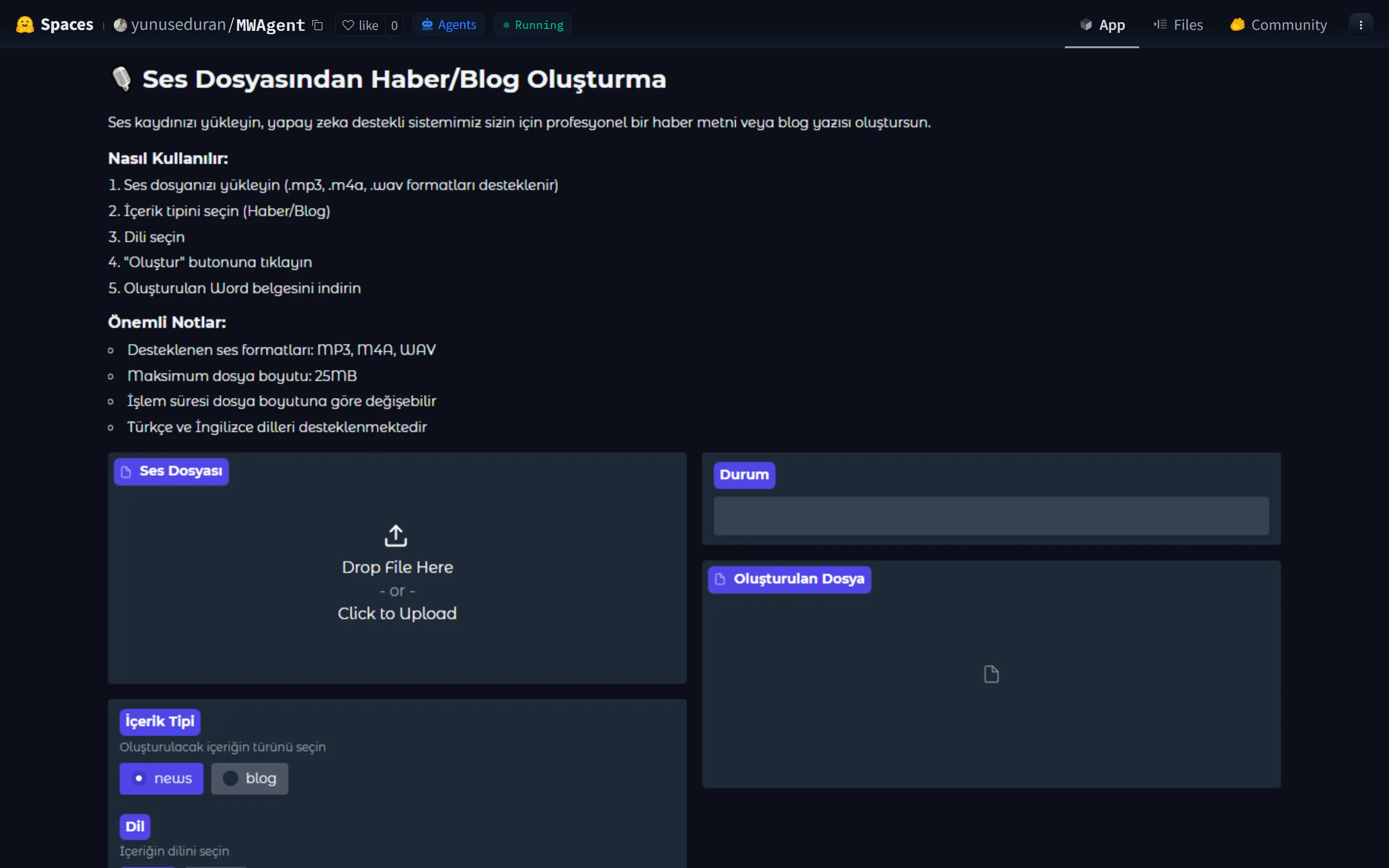
Audio-to-News-Article Agent
An AI tool that turns an audio recording first into text, then into a structured news article, combining speech recognition and natural language processing in a single pipeline.
YouTube Transcript App
A Streamlit application that generates a transcript from a YouTube link and delivers it as a Word document.
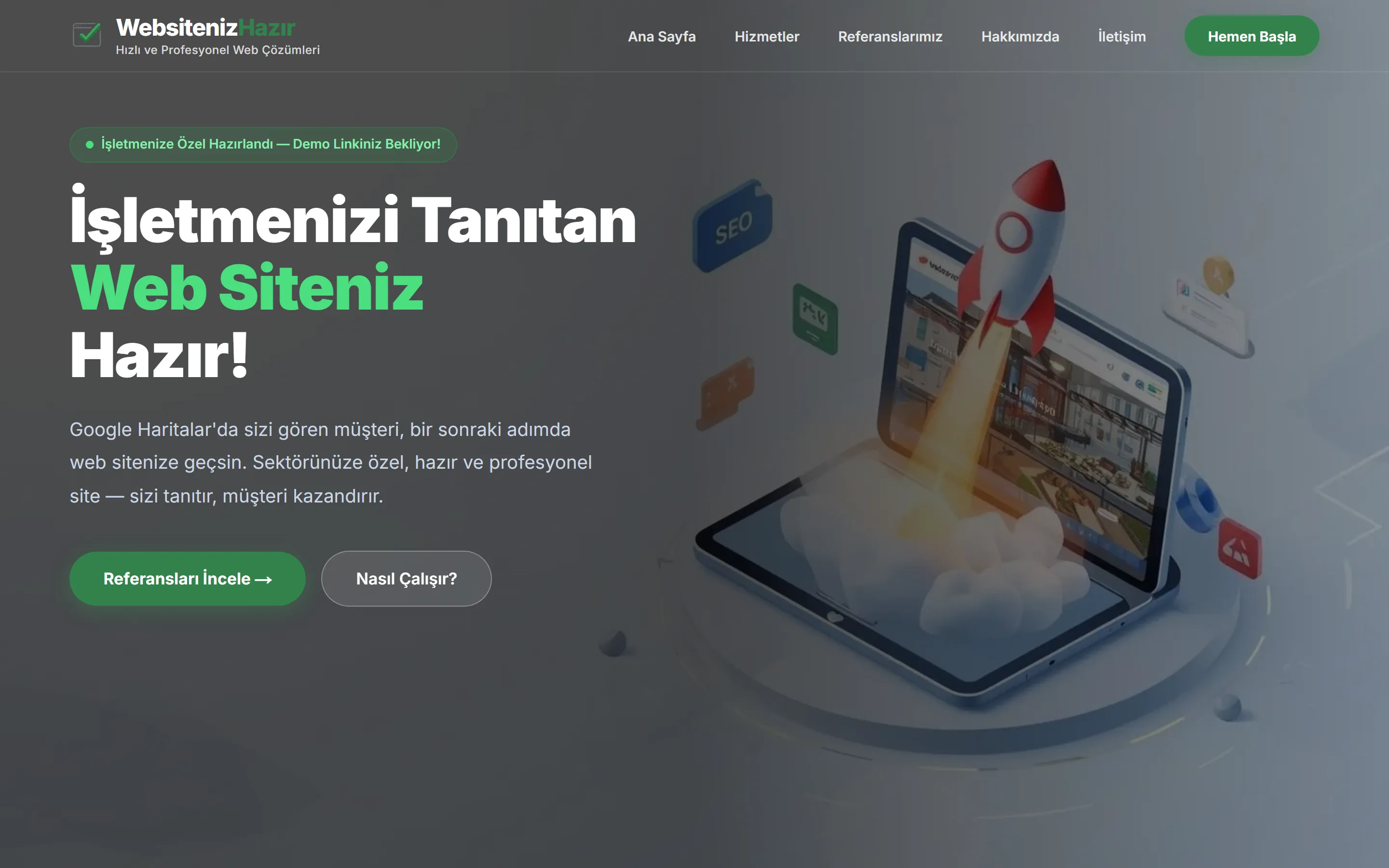
Websiteniz Hazır
A service that produces sector-specific demo websites for businesses visible on Google Maps but without a site of their own. The demo is free and delivery takes 24 hours.